




Custom USB Cable Assembly
At JinHai, high quality and on-time delivery are core tenets of our customer-centric culture. Contact us to accelerate your project’s success.
Applications in daily life and work
| Cable Type | Core Process Features | المزايا | Disadvantages |
|---|---|---|---|
| Budget USB 2.0 Cable | Copper-clad aluminum conductor, single-layer insulation, no/simple shielding, PVC outer sheath, thin plating, no E-Marker. | Lower price point, suitable for basic charging and low-speed data transfer. | High resistance leads to slow charging and excessive heat generation; Unshielded design makes signals susceptible to interference; Outer sheath is brittle and prone to damage; Limited functionality. |
| Standard USB 3.0 cable | Oxygen-free copper conductor, dual-layer shielding (aluminum foil + copper mesh), injection-molded reinforced connector | Data transmission is fast and stable, with strong resistance to interference and good durability. | The cable body is relatively thick and rigid (due to the shielding layer), resulting in higher costs. It may be overkill for older equipment. |
| High-Quality Type-C Fast Charging/Data Cable | Large-diameter oxygen-free copper (low resistance), premium shielding, E-Marker chip, TPE or braided outer jacket, thick gold plating. | Supports high-power fast charging with clear functionality (chip identification), soft and durable, with reliable contact. | The price is relatively high, and compatibility with the device protocol must be ensured. |
| Full-Function/Thunderbolt Type-C Cable | Highly complex multi-strand cores, premium shielding technology, precision E-Marker or lightning protection chips, high-strength braided outer sheath, precision injection molding. | Comprehensive functionality (data, video, and charging all through one cable), top-tier performance, exceptional durability, and certified reliability. | Expensive, thicker wire gauge, backward compatible but may not deliver full functionality. |
لدينا customization work


Are USB cables and chargers the same thing?
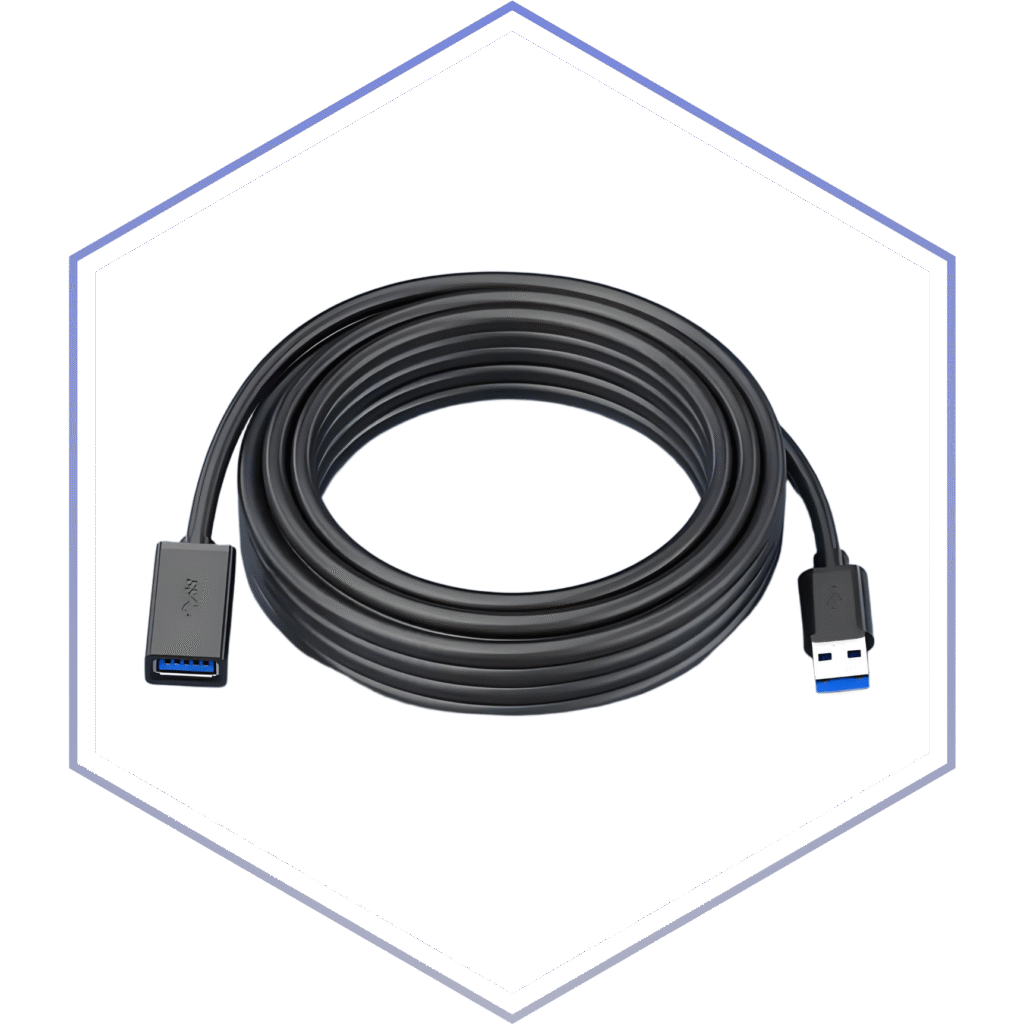
كابلات USB are primarily used to connect devices and transfer data, but they can also be used for charging. There are several types of USB cables, such as USB-A, USB-B, USB-C, and Micro-USB, which are widely used to connect peripherals, synchronize data, and charge devices.
How can I determine whether my device interface is USB Type-A or Type-C?
You can distinguish them by shape and function: USB-A is the most common, standard rectangular port that can only be inserted one way, often found on older computers, game consoles, and peripherals; USB-C is a smaller oval port that can be plugged in either way, supporting faster data transfer speeds (USB4/Thunderbolt) and higher power output to charge modern devices like laptops, tablets, and smartphones.
How do I determine which USB cable I need?
The USB-A port is flat and rectangular, the USB-B port is square with angled corners, while the USB-C port is compact and oval-shaped. Familiarity with these distinct shapes will help you quickly identify cable types.